Combining Diacritical Marks: The Blocks and How They Stack
Combining diacritical marks in Unicode: the four blocks, how a mark attaches to a base character, the stacking rules, and what underline and Zalgo actually use.
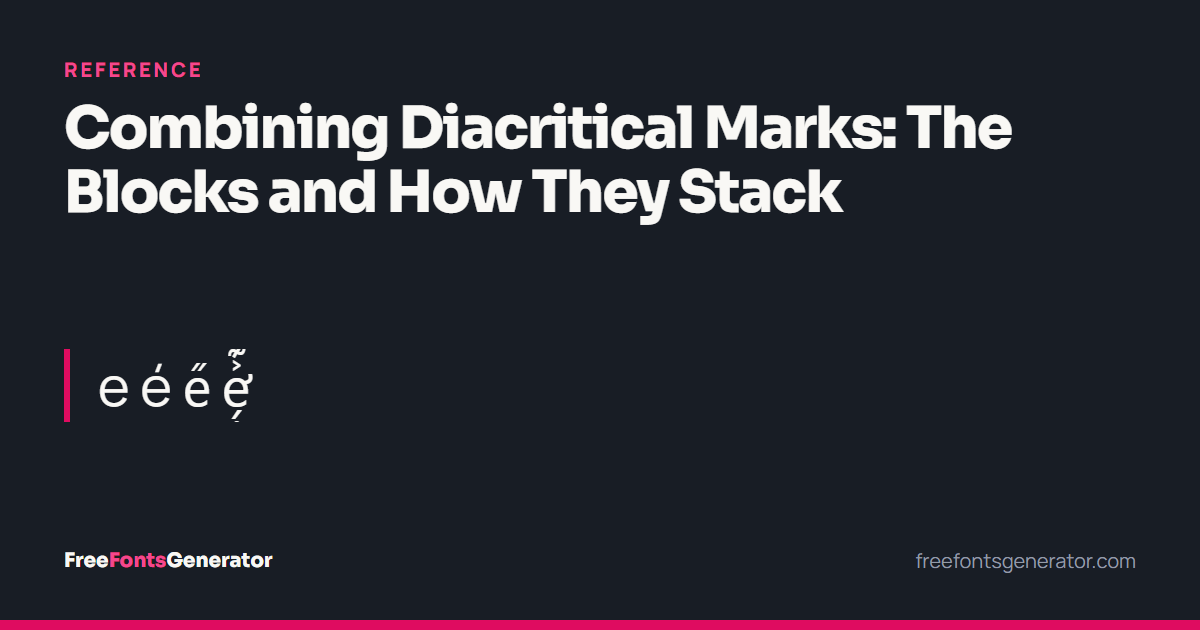
A combining mark is a Unicode character with no advance width. It does not occupy a position of its own; it attaches to whatever character came before it and is drawn over, under or through it.
This one mechanism powers three very different things on this site: underline, strikethrough and Zalgo. It is also how a large part of the world writes its languages.
How combining marks work
Text is a sequence. A combining mark modifies the character before it:
| Sequence | Result |
|---|---|
e + U+0301 COMBINING ACUTE ACCENT | é |
e + U+0300 COMBINING GRAVE ACCENT | è |
e + U+0308 COMBINING DIAERESIS | ë |
e + U+0331 COMBINING MACRON BELOW | e̱ |
e + U+0336 COMBINING LONG STROKE OVERLAY | e̶ |
e + U+0301 + U+0308 + U+0331 | é̱̈ |
The last row is the important one: marks stack. Unicode places no limit on how many you may attach, and the renderer stacks each successive one further out from the base.
The base plus its marks is a grapheme cluster — what a reader calls one character, and what a cursor should move over in one keypress. Unicode Standard Annex #29 defines the boundaries.
The four blocks
| Block | Range | Characters | Contents |
|---|---|---|---|
| Combining Diacritical Marks | U+0300–U+036F | 112 | The main set: accents, dots, strokes, rings |
| Combining Diacritical Marks Extended | U+1AB0–U+1AFF | 43 | Additions for dialectology and phonetics |
| Combining Diacritical Marks Supplement | U+1DC0–U+1DFF | 64 | Medieval manuscripts and German dialect notation |
| Combining Diacritical Marks for Symbols | U+20D0–U+20FF | 33 | Arrows, rings and enclosures for mathematical symbols |
Two more ranges carry combining marks without saying so in the name: Combining Half Marks at U+FE20–U+FE2F, for marks that span two base characters, and a great many script-specific marks inside the blocks for Arabic, Hebrew, Devanagari and the rest.
The main block, by position
The 112 characters at U+0300 are roughly ordered by where they sit.
| Range | Position | Examples |
|---|---|---|
| U+0300–U+0315 | Above | grave, acute, circumflex, tilde, macron, breve, dot, diaeresis, ring, double acute, caron |
| U+0316–U+0333 | Below | grave below, acute below, tilde below, macron below, ring below, cedilla, ogonek, caron below |
| U+0334–U+0338 | Overlay | tilde overlay, stroke overlay, long stroke overlay, solidus, long solidus |
| U+0339–U+034E | Below, continued | more phonetic marks |
| U+0350–U+036F | Above, continued | medieval superscript letters |
Overlay marks: strikethrough and slash
The overlay group at U+0334–U+0338 is the one worth knowing by heart, because it does the most visible work:
| Code point | Name | Effect on text |
|---|---|---|
| U+0335 | COMBINING SHORT STROKE OVERLAY | t̵e̵x̵t̵ |
| U+0336 | COMBINING LONG STROKE OVERLAY | t̶e̶x̶t̶ |
| U+0337 | COMBINING SHORT SOLIDUS OVERLAY | t̷e̷x̷t̷ |
| U+0338 | COMBINING LONG SOLIDUS OVERLAY | t̸e̸x̸t̸ |
Low line marks: underline
And two more that produce lines rather than accents:
| Code point | Name | Effect on text |
|---|---|---|
| U+0332 | COMBINING LOW LINE | t̲e̲x̲t̲ |
| U+0333 | COMBINING DOUBLE LOW LINE | t̳e̳x̳t̳ |
U+0332 and U+0336 are exactly what the underline and strikethrough generators on this site apply. There is no formatting involved — a character is inserted after every letter.
Applying marks correctly
Two rules that a naive implementation gets wrong.
Iterate by grapheme cluster, not by code point. Insert a mark after every code point and you will put one between a base and its existing accent, which produces garbage. é written as e+U+0301 must be treated as one unit, and the new mark appended after the whole cluster. Intl.Segmenter in JavaScript does this correctly; a for loop over indices does not.
Skip characters that cannot take a mark. Attaching a combining mark to a space produces a floating accent with nothing under it, and attaching one to an emoji or a CJK ideograph gives unpredictable results across renderers. Spaces, line breaks and existing marks should be passed through untouched.
Canonical ordering
When several marks attach to one base, their order in the byte stream is not arbitrary. Every combining mark has a canonical combining class, a number in the Unicode Character Database, and normalisation sorts marks of different classes into class order.
The practical consequence: e + acute + dot-below and e + dot-below + acute normalise to the same string, because the two marks have different classes and sort deterministically. Marks in the same class never reorder, because their relative order changes the meaning. Unicode Standard Annex #15 has the algorithm, and our normalisation reference covers what it means in practice.
Zalgo, and the stacking limit
Zalgo text is nothing more than the mechanism on this page, run far past its intended use: a base letter with dozens of combining marks attached, drawn upward and downward until the text overflows the lines around it.
Nothing about it is invalid. The Unicode Standard sets no limit on mark count. What it does define, in UAX #15, is a Stream-Safe Text Format that caps a run at 30 combining marks so that implementations can size fixed buffers safely. It is guidance for processing, not a constraint on what text may exist.
Because the marks are ordinary characters, they survive copy and paste, they count against character limits, and they cannot be removed by normalisation. Filtering them out means explicitly stripping the ranges above — usually U+0300–U+036F, which catches the overwhelming majority.
See what Zalgo text is for the full picture.
Rendering differences
The same sequence genuinely looks different on different systems, and this is not a bug in any of them. Positioning a mark is the font’s job, expressed in OpenType GPOS mark-attachment tables, and every font makes its own decisions about where the second, third and fourth mark in a stack should go. Some fonts have attachment data for two marks and improvise beyond that.
So:
- Well-behaved fonts stack marks vertically, each above the last.
- Fonts without the data may draw them all in one place, overlapping.
- Some mobile renderers clamp line height and clip the stack.
- A font missing a mark entirely shows a dotted circle,
◌, which is the standard fallback for an unattached combining mark.
None of this is under the control of whoever wrote the text.
Accessibility
Worth stating plainly. A screen reader encountering a heavily marked string may announce every mark by name — “combining acute accent, combining grave accent, combining tilde below” — for every letter. A five-letter Zalgo word can take a minute to read aloud.
For underline and strikethrough this matters too: t̶e̶x̶t̶ is not marked-up text with a line through it, it is eight characters, and assistive software has no way to know a strikethrough was intended. Where real formatting exists — a document, an HTML page, a WhatsApp message — use it. The combining-mark version is for fields that have no formatting at all.
Quick answers
What is a combining diacritical mark?
A zero-width character that attaches to the character before it, drawing an accent, line or stroke on it.
How many marks can one letter have?
Unicode sets no limit. UAX #15 recommends processing implementations support at least 30 in a row.
Why does my accent appear on a dotted circle?
The mark had no base character in front of it, or the font could not attach it. ◌ is the standard fallback.
Does normalisation remove combining marks?
NFC combines them into a precomposed character where one exists; otherwise they remain. NFD does the opposite. Neither removes them.
How do I strip them?
Normalise to NFD and remove code points in U+0300–U+036F. That handles accents and the overlay marks together.
Related
- Unicode normalisation — canonical ordering and composition
- What Zalgo text is — the mechanism taken to an extreme
- Underline text generator — U+0332 applied to your text
- Strikethrough text generator — U+0336 applied to your text